An interesting paper is not automatically a working template. The Hub is most useful when that difference stays visible.
Key takeaways
- A source, a companion and a template are different items.
- Compatibility is not scientific verification.
- Inspect the transferred circuit before running it.
Chapter 01
Check what kind of item you opened
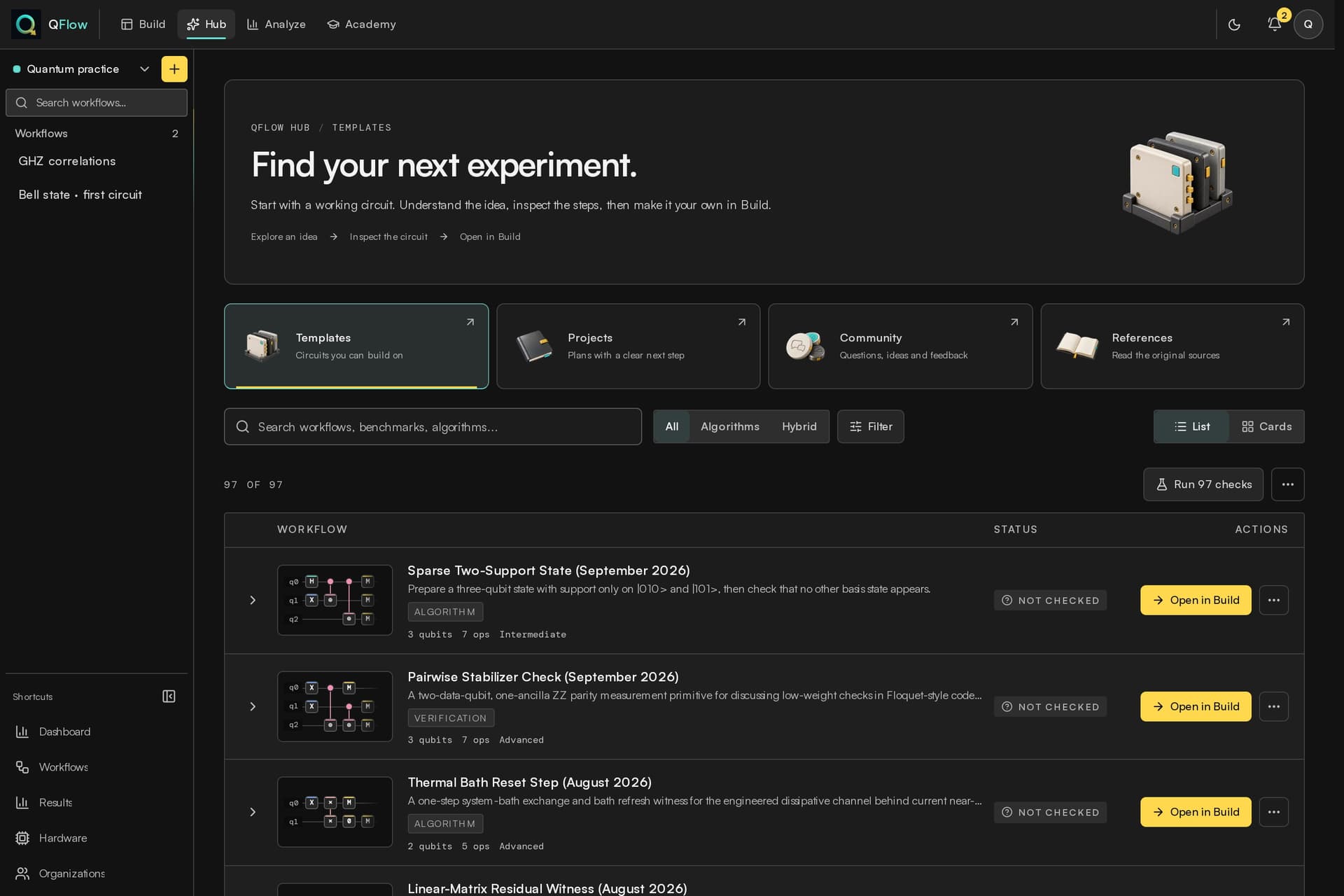
A source discovery may point to a paper, documentation or a repository. A reading companion can explain an idea with a smaller teaching example. A compatible template contains a concrete representation that QFlow can inspect and transfer.
Read the description before choosing Open in Build. A starter related to a paper should say which part it demonstrates and which parts of the original algorithm are absent. A title alone cannot establish that the full research result has been implemented.
Chapter 02
Read the verification label
Source review, parse compatibility, local checks and execution are different claims. An unchecked or unexecuted item may still be useful, but it needs inspection. A successful parse says that the supported representation was understood; it is not proof of scientific correctness or useful hardware performance.
If the item is marked unsupported or cannot be faithfully transferred, keep it as a reference. A partial import that silently drops an instruction would be worse than a clear explanation of the limitation.
The idea at a glance
From a source to your own experiment
- Read
Is this a source, a companion or a compatible template?
- Inspect
Check the status, revision and supported artifact.
- Open in Build
Create your editable copy when transfer is supported.
- Check
Compare the circuit with the preview before a run.
Chapter 03
Preview before creating your copy
Inspect the qubit count, gate sequence, measurements, format and source context. Where a pinned revision or digest is available, retain it with the artifact. A repository can change after you first read it, and the revision helps distinguish your example from a later version.
Compatible Open in Build actions create an editable workflow through the existing account, workspace and quota rules. They do not execute arbitrary upstream Python or notebooks simply because a repository contains them.
Chapter 04
Use the first run to ask a small question
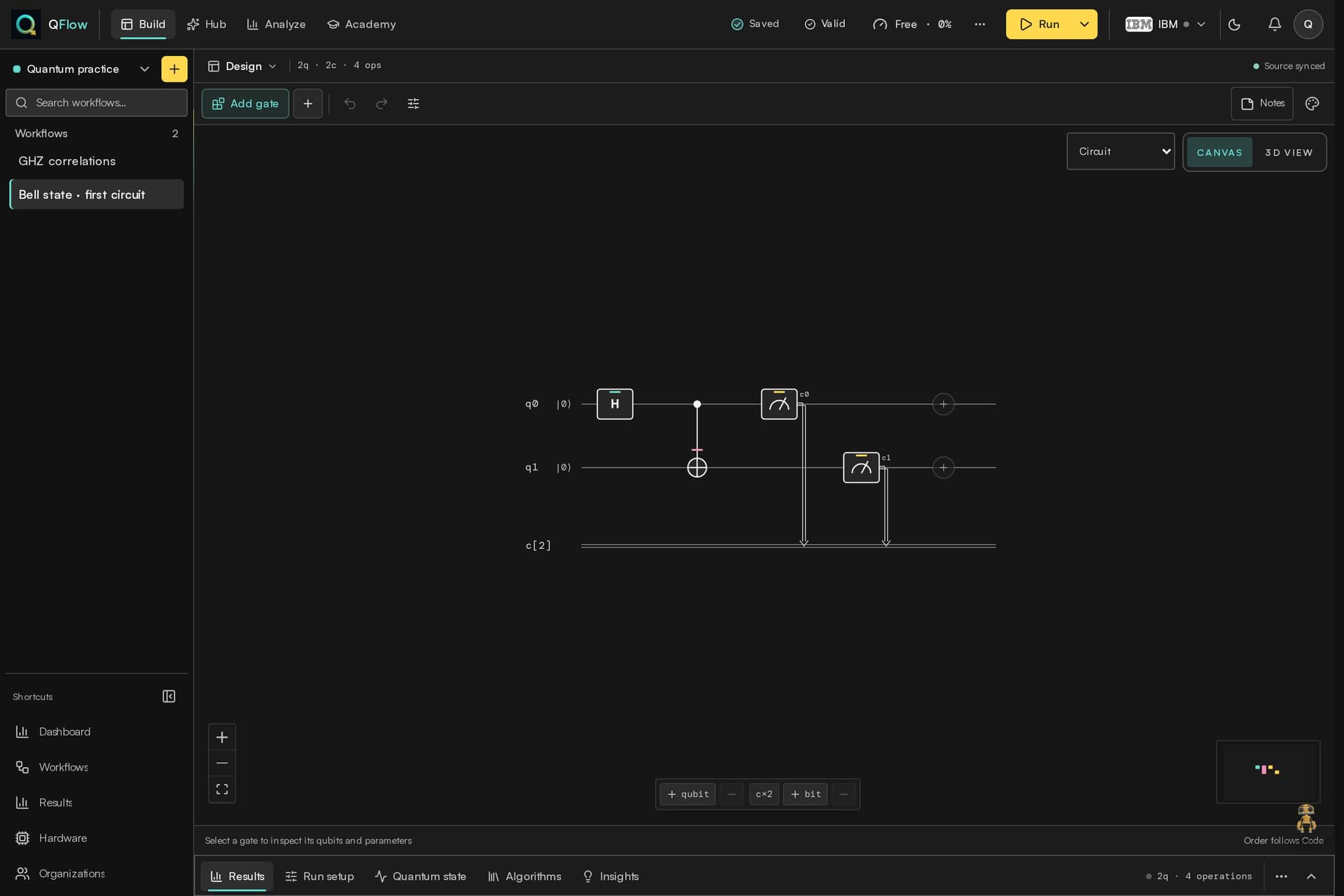
Once the circuit opens, compare it with the preview and read the generated supported code. Start with an available simulator and a behavior you can explain. A source with a sophisticated title can still contain a small illustrative seed.
Keep your changes separate from the imported version. If the expected behavior fails, preserve the source and the observation rather than treating a completed import as a successful algorithm evaluation.
Chapter 05
Make freshness useful
Use the Hub’s source activity and period controls to find recent material. Publication date, discovery time and last inspection are different dates. An older benchmark checked this month should not be described as a newly published algorithm.
The useful outcome is a circuit you understand, linked to a source you can revisit. That is a stronger starting point than a large catalog whose examples look current but cannot be explained.