You can begin quantum computing with a question small enough to hold in your head: if I measure two connected qubits, when should their answers agree?
Key takeaways
- Predict 00 and 11 with equal ideal probability.
- Expect finite-shot counts to vary.
- One measurement basis does not certify entanglement.
Chapter 01
Begin with the Bell State starter
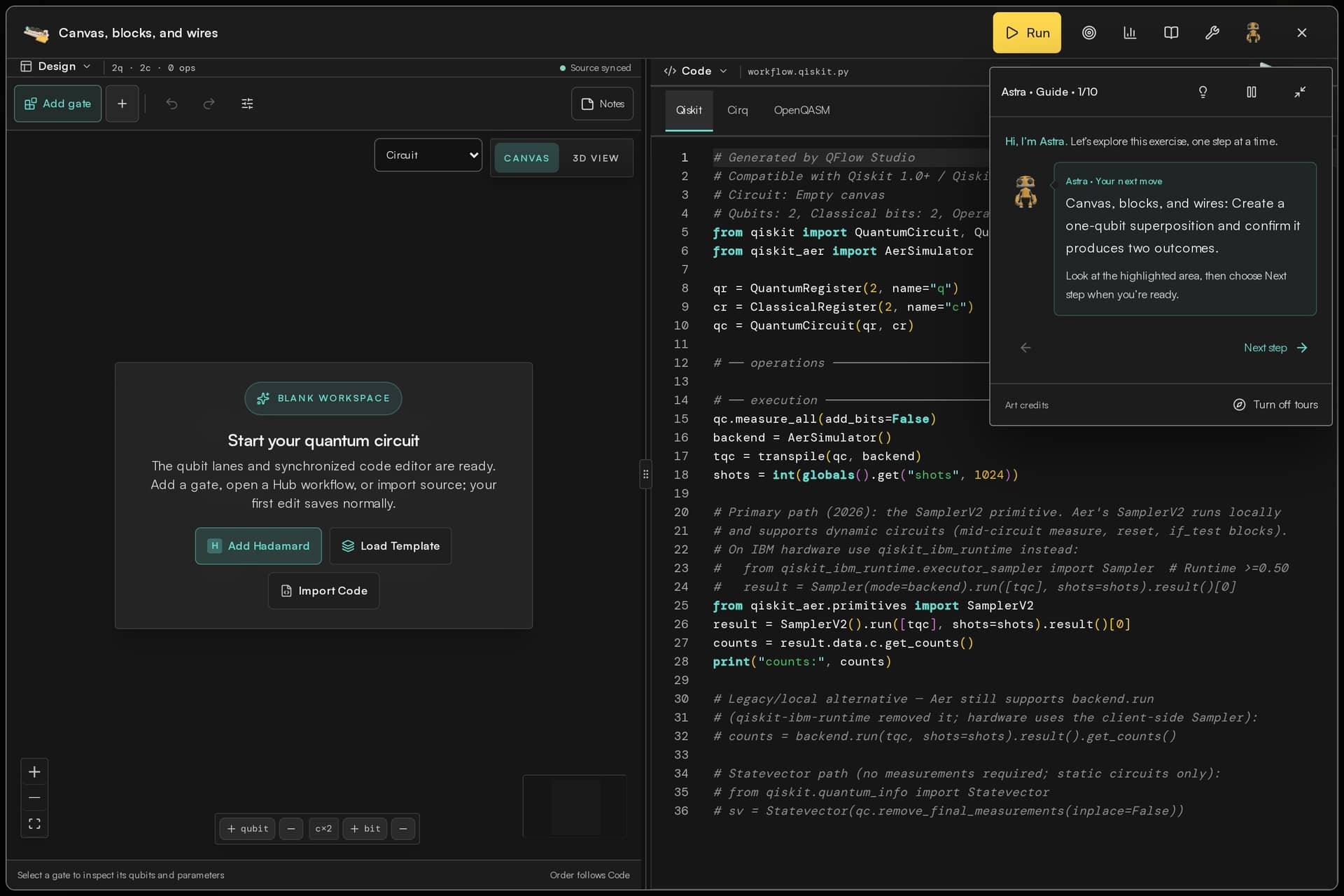
Open the Bell State template in the Hub and use Open in Build. Sign in if the workspace asks you to. You should see two qubit wires and a short sequence: H on the first qubit, a controlled-X connecting it to the second, and measurements. Start by identifying those operations rather than adding more.
The example is deliberately small. It gives you a circuit whose behavior you can predict and a result you can explain without installing a large scientific application first.
Chapter 02
Predict the ideal answer
For this preparation, an ideal computational-basis measurement gives 00 or 11, each with probability one half. That describes the distribution across repetitions. It does not promise exactly equal counts in a finite run.
Before running, write down that prediction. The probability chart below is a theoretical reference, not an uploaded hardware result or a sample of measured counts. An ordinary sampled simulator run can differ slightly from a perfect 50/50 split.
Explore the ideal model
What changes when you remove CNOT?
H(q0) → CX(q0, q1) → measure
Chapter 03
Run a simulation and read the labels
Choose an available simulator in Run Setup, review the shot count and run the circuit. In Results, check the execution mode and the measurement outcomes. A shot means one repetition of preparation and measurement. More shots help estimate the distribution; they do not make an incorrect circuit correct.
If your result looks different, inspect the gate order, control and target, and measurement mapping. Also check whether the selected mode adds a noise model. The same logical circuit can be used to ask different questions in ideal simulation and on a physical device.
Chapter 04
Change one operation
Make a separate copy or preserve the original before experimenting. Remove the CNOT while keeping H on the first qubit. The second qubit now remains in its initial state in the ideal model. Predict the resulting pairs using the displayed bit-order convention, then run again.
You have made a controlled comparison: the connection changed, while the preparation and measurement settings stayed understandable. That is a useful first experiment, even before you learn more advanced algorithms.
Chapter 05
What this experiment establishes
Matching 00 and 11 outcomes alone do not prove entanglement. A classical mixture can produce the same histogram in this one basis. A stronger entanglement experiment requires appropriate additional measurement settings and analysis.
Keep the distinction in your note: you built a standard Bell-state preparation and checked one expected distribution. You did not establish faster-than-light communication or a general quantum advantage. Next, use Academy to study measurement bases and return to the circuit with a more precise question.