















Follow your curiosity.
Short lessons, small experiments and room to ask why.
A workspace for quantum ideas
Build a circuit. Understand the code. See what comes next.
Try turning off CX. With H still on, the ideal readouts change from 00/11 to 00/01.
Interactive example · runs locally(|00⟩ + |11⟩) / √2
CX uses q₀ as control. The 01 branch becomes 11: the ideal readouts are 00 or 11, each with 50% probability.
Ideal readout probabilities

Made for the curious
Start with a question, follow a short lesson and try the idea as a circuit. Change one thing. See what you learn.
Find your first lessonQuantum arcade · Free to play
A familiar game. An unexpected rule. Explore superposition, gates and interference through short puzzles that let you try the idea for yourself.
Keep the result and the reason
See what your circuit measured, with the source and settings still in reach. Keep the evidence you need and choose what to share.
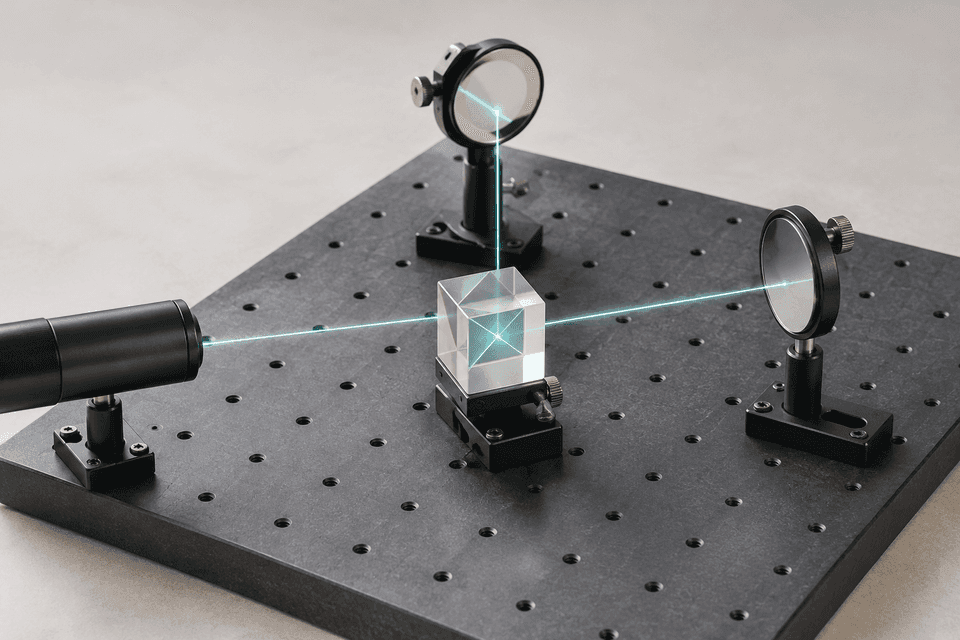
Inspect the saved resultqc.h(0)qc.cx(0, 1)qc.measure([0, 1], [0, 1])One shared preparation. Two detector readings. Each completed pair adds one result. Light travel is slowed for the illustration.
Saved ideal-simulator sample · not a live hardware run
Open the saved experiment to inspect its recorded counts.
Your next step, when you are ready
A simulator is enough to begin. When you need hardware, explore supported connections and bring your own provider access.
Open a saved example. Inspect the gates, source and result at your own pace.
Explore the Bell exampleCheck what a provider supports before connecting your account or planning a hardware run.
Check provider supportAvailability, supported operations and provider charges vary.
There is more than one way in.
Short lessons, small experiments and room to ask why.
Begin with a saved example and take it into your own workspace.
Bring learning, experiments and review into a shared workflow.
Under the surface
Start with a question. Follow it into the code, the hardware, or the reasoning behind your next move.
Begin with a simulator. Connect through supported providers when you need hardware, using your own access. Device availability, supported operations and provider charges vary.
Check provider supportFollow a visual circuit into Qiskit or OpenQASM. Inspect the source behind a public example before opening your own workspace.
Explore generated codeAsk for a change, review the proposal and choose what to apply. Your circuit and the decision to start a run stay in your hands.
Meet the assistantThe QFlow journal
New perspectives on the circuits, tools and questions shaping quantum work.
Explore the journalBuild a Bell-state example in QFlow, predict the ideal outcomes and learn what a histogram can—and cannot—tell you about entanglement.
Explore the updated Circuit and Workflow views, guarded code-format changes, canvas notes and guided learning through one practical experiment.
Learn the difference between source discoveries, reading companions and compatible templates, then open an example in Build with its limits in view.
No hardware connection needed to explore the saved sample.


